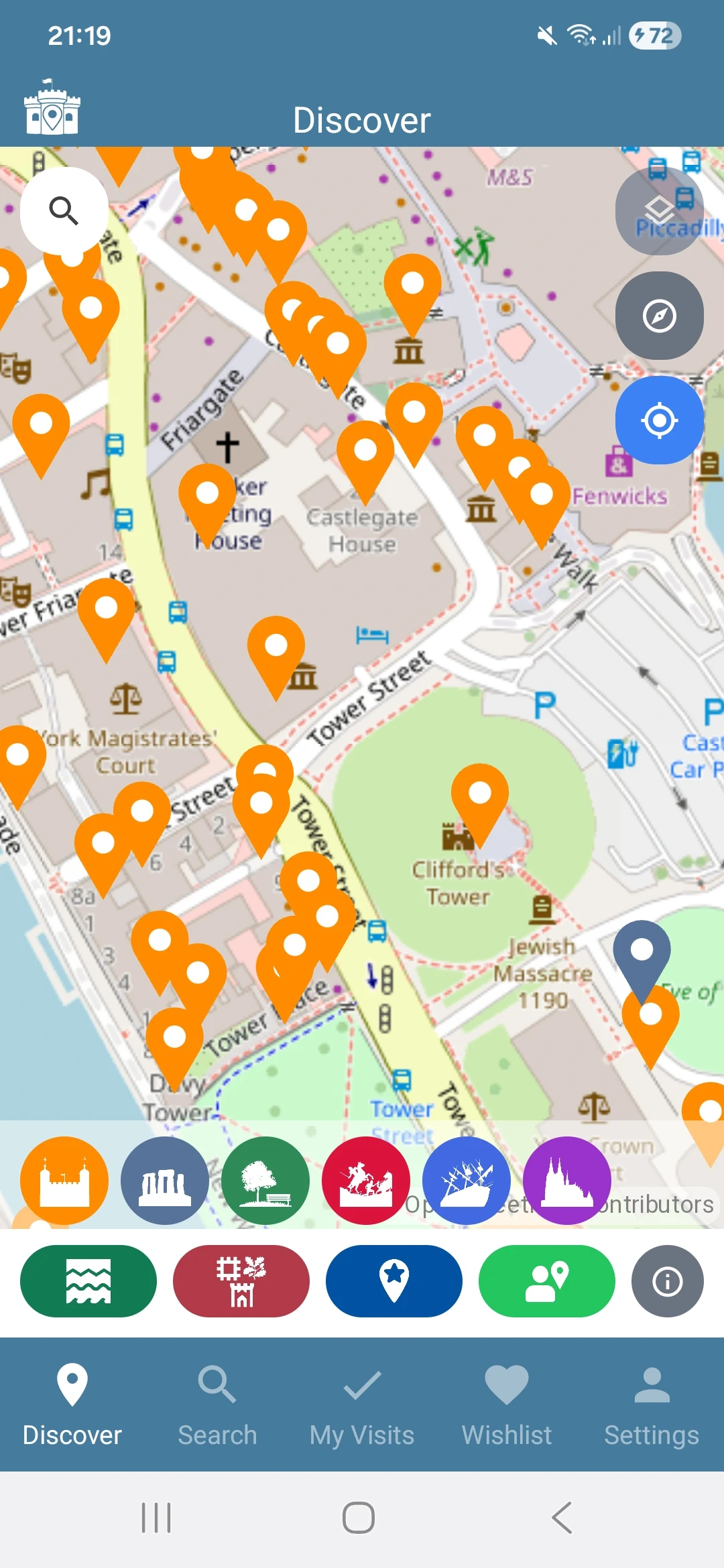
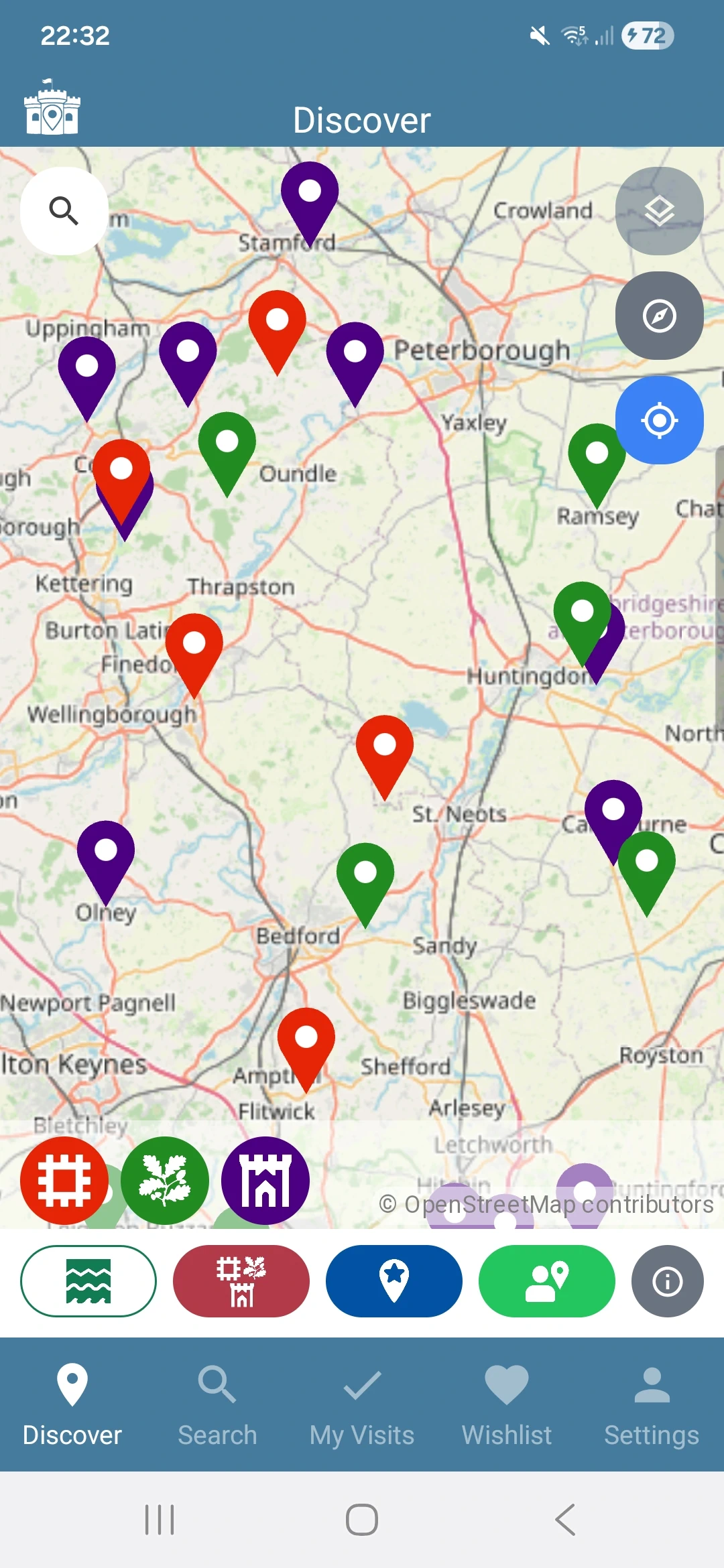
One map, sixteen switches
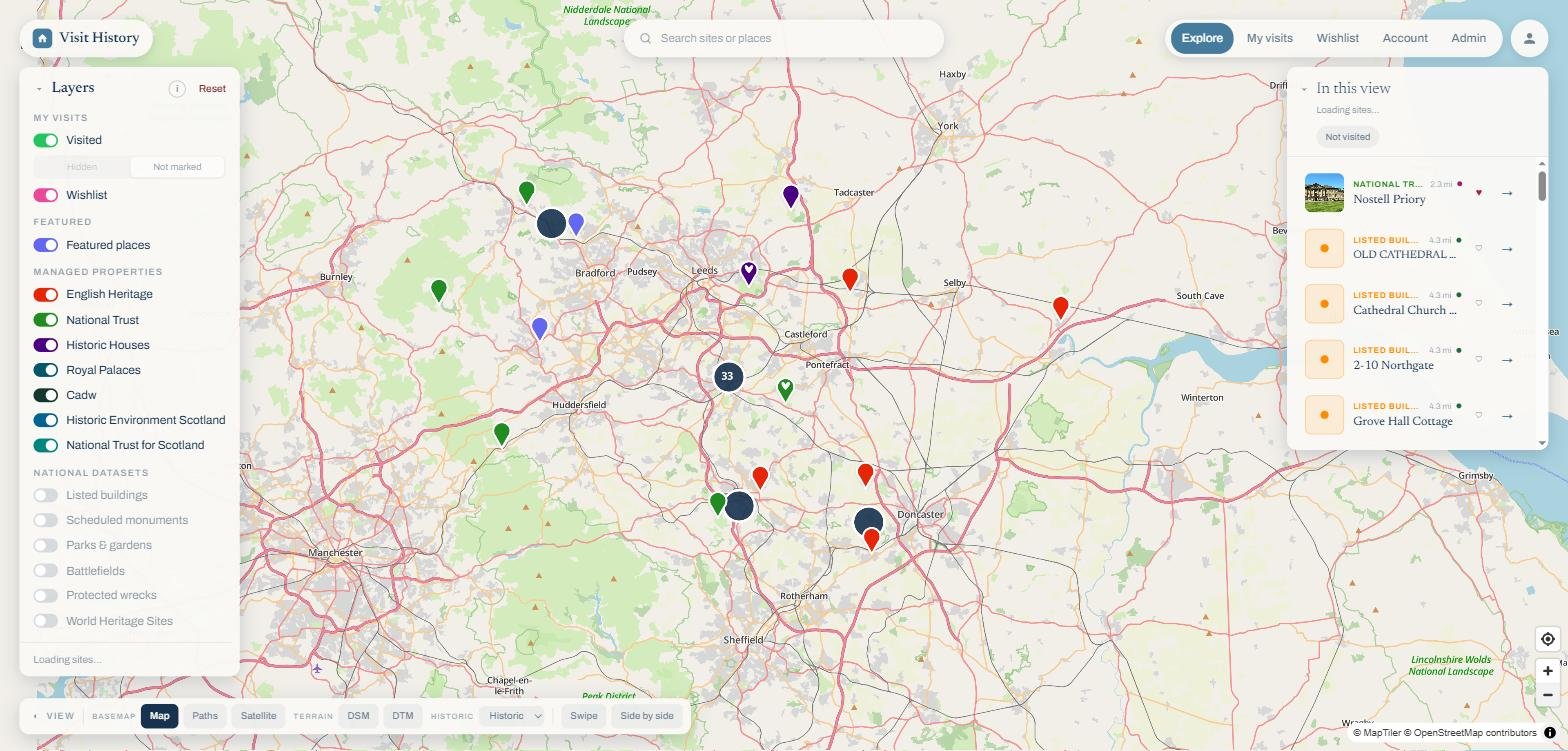
Every layer has a toggle and a colour, and the colours are the same in the app and on the web, so an English Heritage red or a National Trust green means the same thing everywhere. The counter under the switches tells you how many sites are in the current view. The two national register layers hold hundreds of thousands of sites, so they appear once you zoom in far enough for the pins to mean something; your own visits and wishlist are never hidden, whatever the zoom.
Your switch choices are remembered on each device, so the layers you care about are the layers you see next time.
My visits
 Visited: places you have been, marked with a checkmark. See the recording visits guide.
 Wishlist: places you want to go, marked with a heart.
Featured
 Featured places: a curated selection of notable sites, suggested by the community and checked by us. Suggest your own favourite from the app.
Managed properties
Sites cared for by the big heritage organisations, curated from publicly available data.
 English Heritage: castles, abbeys and monuments across England.
 National Trust: houses, gardens and landscapes.
 Historic Houses: privately owned houses open to visitors.
 Historic Royal Palaces: the Tower of London, Hampton Court and their siblings.
- Cadw: the Welsh Government's historic environment service, from Caernarfon to Tintern.
- Historic Environment Scotland: Edinburgh Castle, Skara Brae and several hundred more.
- National Trust for Scotland: Culzean, Glencoe and Scotland's trust properties.
National datasets
The official registers, in full. These are the layers that put 435,000 sites on the map.
 Listed buildings: buildings of special architectural or historic interest, graded I, II* and II.
 Scheduled monuments: archaeological sites of national importance. Pair this layer with the LiDAR overlay to see why each one is protected.
 Parks & gardens: registered parks and gardens of historic interest.
 Battlefields: the registered battlefields, from Hastings to Culloden Moor country.
 Protected wrecks: shipwrecks protected under the Protection of Wrecks Act.
 World Heritage Sites: the UNESCO listings.