Places and sites are different answers
Type “Wakefield” and you might mean the city, or a listed building with Wakefield in its name. Visit History shows both and says which is which: GO TO results are places, and choosing one reframes the map there; SITES results are historic sites, sorted by distance, and choosing one flies to its pin. So “what is there around York?” is answered in two moves: go to York, then see what the map and results panel light up.
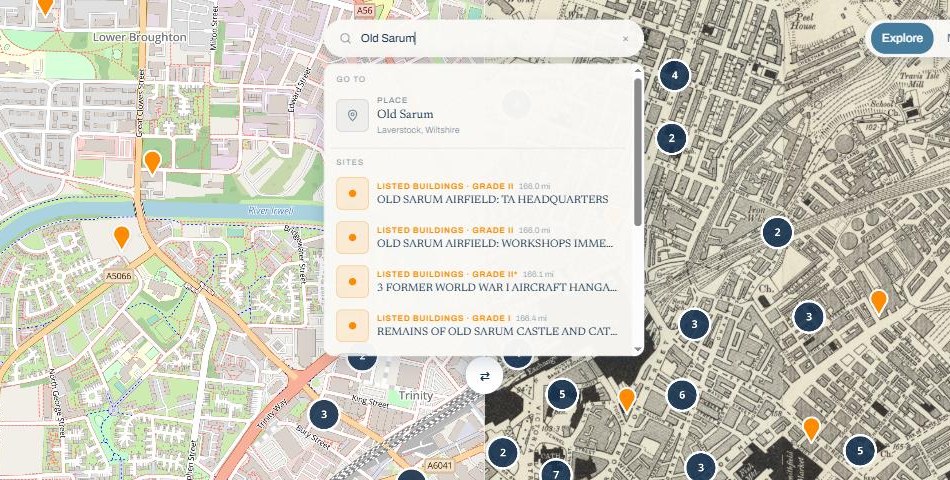
Searching in the app
 Search the map: tap the search icon and type a place name. The map centres on the result.
 Search near a location: long-press or pan somewhere on the map, tap the search-near icon and the Search page opens with that spot as its centre. This is the trip-planning move: sites near where you are going, not near where you are sitting.
 AI Discovery Assistant: ask in plain words. “Castles with good walks near Leeds” or “what is the story of this abbey?”. An experimental feature, so it may not be available to every account yet.
The Search page itself filters by name, distance and dataset, so “every National Trust place within 20 miles” is a two-tap question. To control which datasets appear at all, see the map layers guide.